

Appearance
Reviewing in the Browser
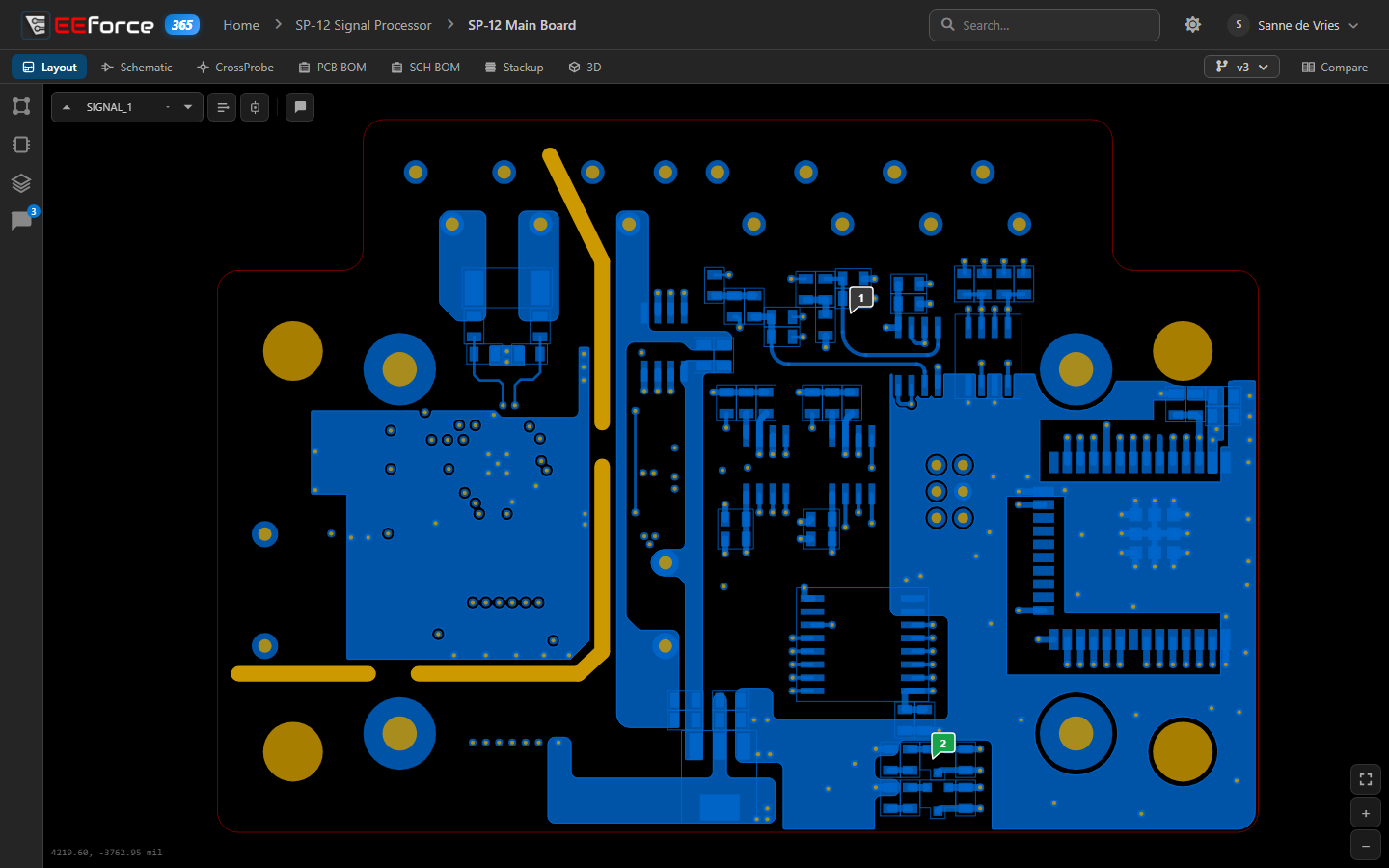
Sometimes you need to look at a design somewhere EEforce isn't installed — a customer site, a home laptop, a colleague's PC. EEforce 365 is EEforce in your web browser: sign in with your usual account, open any project you have access to, and review layouts, schematics and comments. Nothing to install, and no licence seat is used.
Works alongside the app
You can keep EEforce 365 open while you are signed in to the desktop app — a browser session doesn't count as your one session, and it doesn't use a licence seat. What you can see and do follows the same roles as in the app: Viewer access is enough to look, comment and reply.
What you can do
- Sign in — at your server's address followed by
/365 - Find a project or board — browse, sort and search everything you can see
- View a design — layout, schematic, cross-probe, BOMs, stack-up and 3D, in any version
- Compare — two versions of a board, or a board with another board
- Comment and reply — the same conversations as in the app and the design tools
- Manage who has access — if you are a Manager of the project
Always up to date
EEforce 365 follows the server as you work. When someone checks a design in or out, or changes who has access to a project — in EEforce 365, the desktop app or the web admin — the page you're looking at updates by itself: the project list, the boards in a project, and the version list of the board you have open. There is nothing to reload.
If a project you have open is deleted, or your access to it is removed, the page tells you so and offers the way back to your projects.
Sharing a link
Every page has its own address: the home page, a project, a board — down to the exact version, and even a comparison. Copy the address from the browser's address bar and send it to a colleague; the link opens on the same design for anyone with access.
Light or dark
The sun and moon button in the top bar switches between a light and a dark look. Your browser remembers the choice.
What stays in the desktop app
EEforce 365 is for reviewing. Checking designs out and in, adding, renaming or deleting projects and designs, and downloading files all stay in the desktop app. Server administration — users, groups, licences and settings — is in the web admin.