

Appearance
Signing In
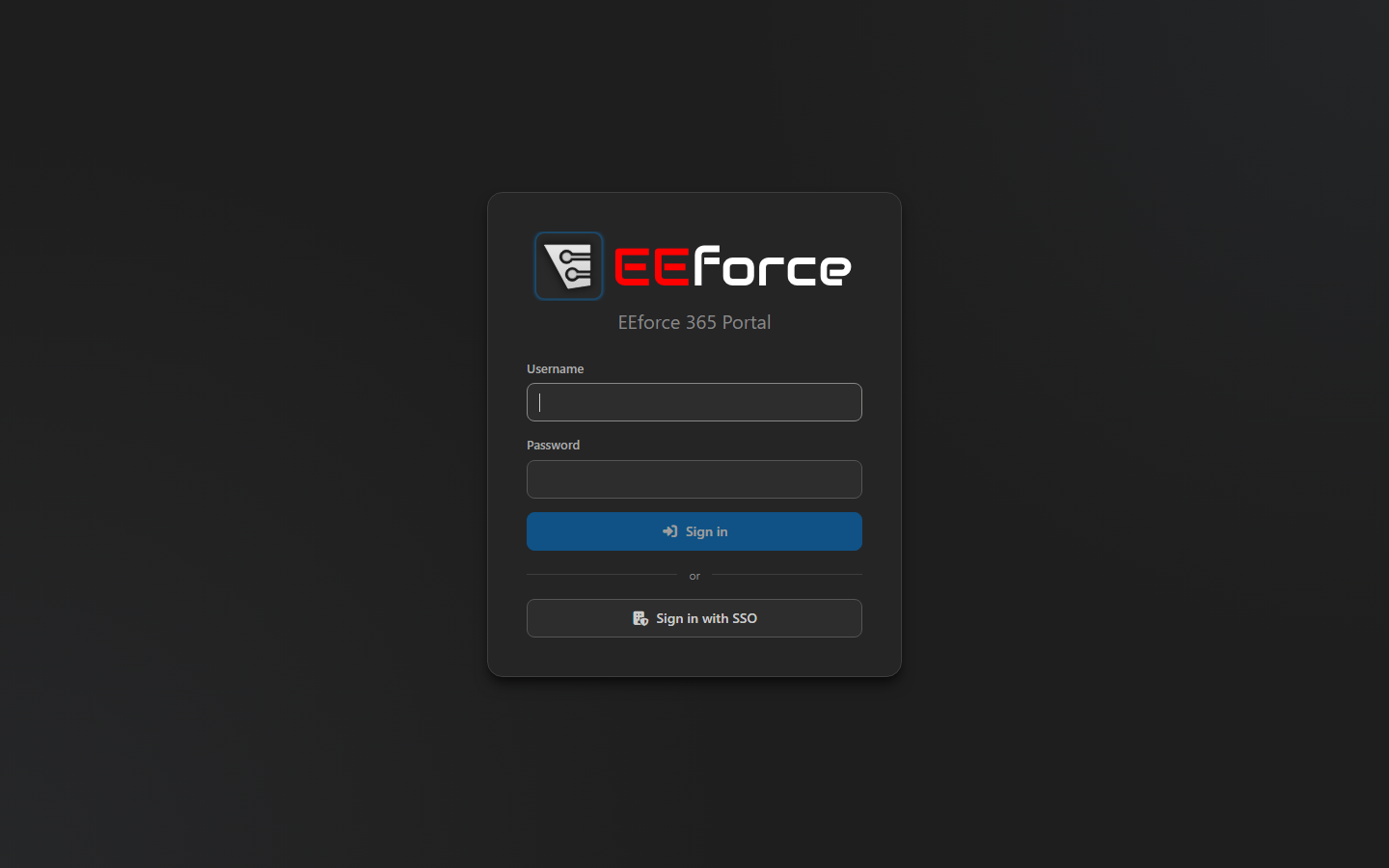
Open your server's address followed by /365 — for example http://eeforce.kestrel.local/365 — and sign in with your EEforce username and password. If your company uses single sign-on, Sign in with SSO takes you to the same company sign-in page as the desktop app.
You need an EEforce account with at least the Viewer role on the project you want to look at — the same account as in the desktop app. If a project you expect is missing, see Access & Roles.
Signing in to EEforce 365 uses no licence seat and doesn't end your session in the desktop app.
Signing out
Click your name in the top-right corner and choose Sign out.
What's next
- Finding a Design — browse, sort and search
- Reviewing in the Browser — what EEforce 365 is for